



Choosing a software stack isn't a technology argument. It's an operations decision.
This post helps business owners decide whether to build on low-code, off-the-shelf tools, or a custom code stack — and how to keep the decision tied to the problem you're solving.
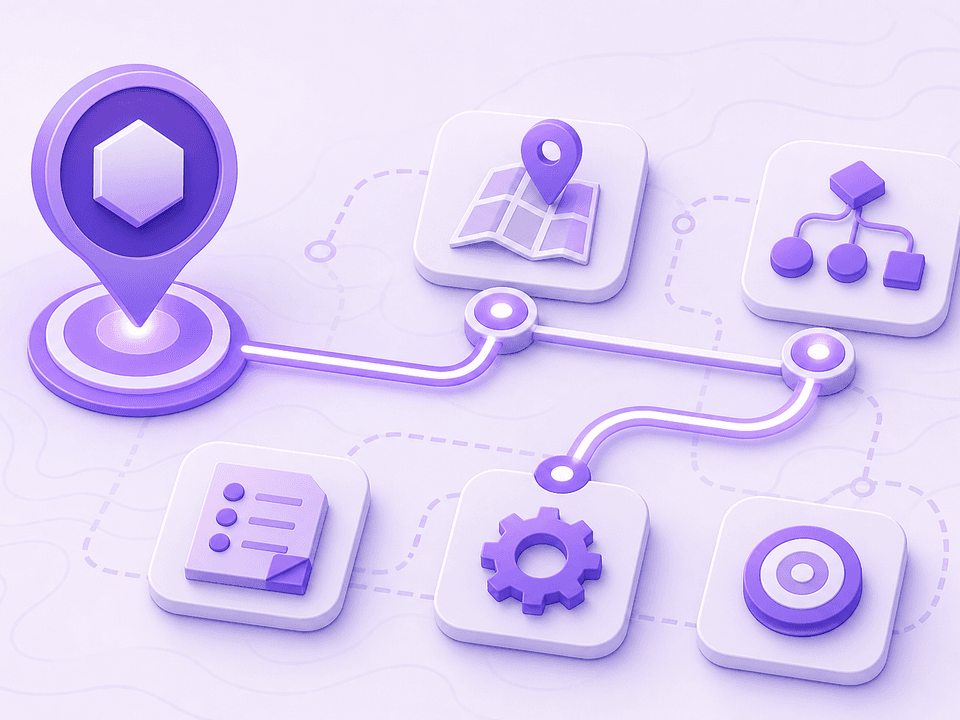
Start with the workflow, not the tech
The first question isn't "React or Vue?" It's "what workflow are we automating?"
- Is it a single process like quote approvals?
- Is it a multi-step workflow across sales, operations, and finance?
- Do you need a user-facing client portal?
- Does the system need to integrate with accounting and CRM?
If you answer those first, the stack choice becomes obvious.
The right stack depends on the problem
Here’s the practical breakdown:
- Simple workflow, internal use: low-code or off-the-shelf integrations.
- Customer-facing workflow: custom web app with a modern frontend.
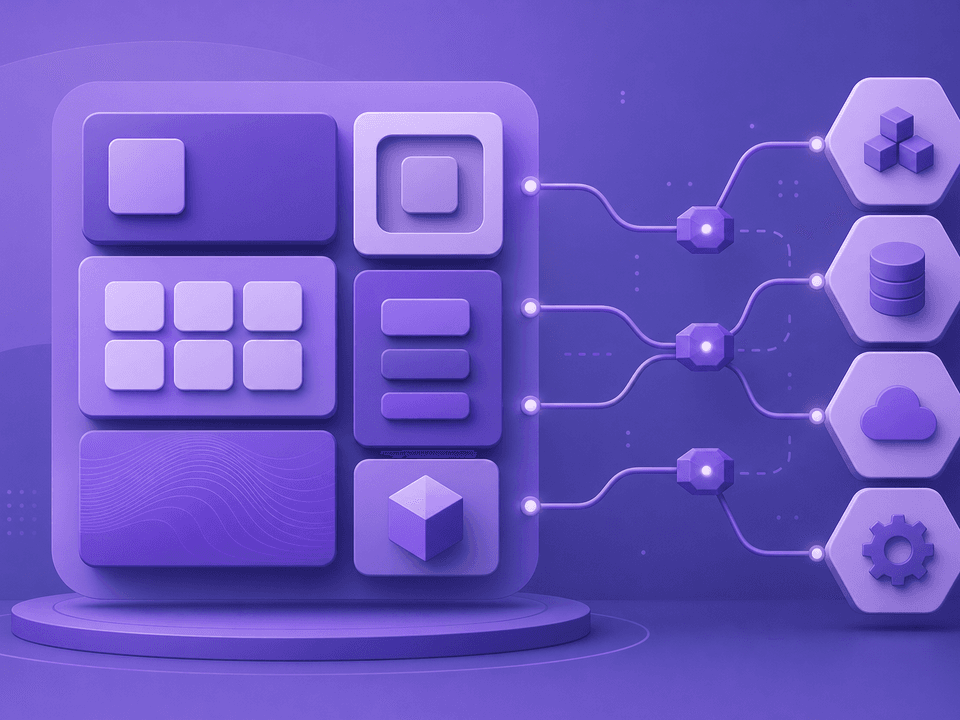
- Multiple teams and data sources: custom backend, API-first architecture.
- Regulated data or sensitive workflows: custom platform with strong security.
Custom software should be picked when the workflow is unique enough that buying will cost more in the medium term.
Common stack choices for 2026
The safe bets are:
- Frontend: React / Next.js
- Backend: Node.js + tRPC or REST
- Database: Postgres
- Auth: Clerk, WorkOS, or NextAuth
- Hosting: Vercel, Railway, or managed cloud
The stack isn't the magic. The real value is in the data model and the workflow.
What to avoid
These are the most common mistakes:
- Choosing a stack because it's "trendy." If your team doesn't need it, don't use it.
- Starting with microservices before you have a solid domain model.
- Picking a database because the developer "likes it." Pick the one that fits the data shape.
- Building a custom auth system. Use a proven provider.
If you're building custom software, the safest path is a simple, well-understood stack with good guardrails.
What a senior product person would ask
Ask this before you sign:
- "How will this stack support the business process in 3 years?"
- "What parts of the system are likely to change?"
- "How do you handle integrations and error handling?"
- "What is the deployment and rollback plan?"
- "How will my team maintain this after launch?"
Good software isn't the one with the newest tech. It's the one that solves the problem and can be maintained by your team.
The bottom line
A software stack should be a tool, not a badge.
If it helps your business run faster, with fewer errors, and lets your team own the process — it's the right stack. If it's chosen because it sounds cool, it isn’t.
Choose the stack that matches the workflow. The rest is execution.